
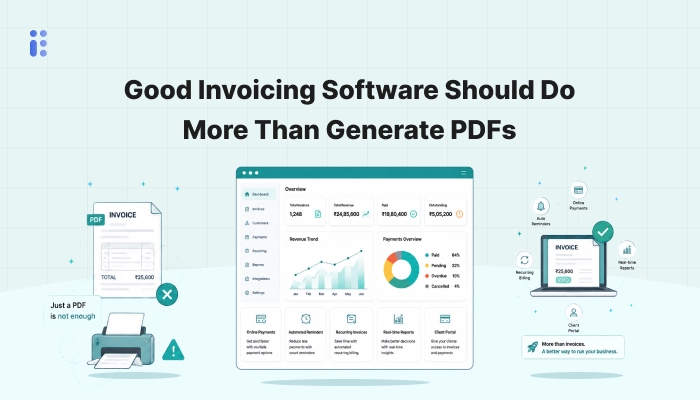
There are plenty of tools that can help a business create an invoice. Add a logo, fill in the line items, apply GST, export as PDF, send it across. Technically, the job is done.
But if that’s where the software stops, it’s only handling the most visible part of billing - not the operational side that actually creates work for the business later. Because once an invoice goes out, a lot still needs to happen around it.
For many businesses, these are the parts that consume far more time than invoice creation itself.
If a business sends 40 or 50 invoices a month, the invoice document itself is rarely the problem.
The real friction usually sits in the surrounding process:
If the invoicing tool doesn’t help with these, the business ends up doing the actual finance work elsewhere - in spreadsheets, on WhatsApp, over email, or in someone’s head. At that point, the software is not really reducing operational load. It’s just producing the document.
By this point, invoicing software should be doing more than formatting a bill.
A practical billing system for Indian businesses should also help with:
Not just adding tax percentages, but ensuring the invoice format itself is compliant and usable for reporting later.
If a client’s GSTIN, billing address, or contact information changes, that should update once and reflect properly in future invoices.
The invoice should not disappear after being sent. The software should help track whether it is paid, pending, overdue, or partially settled.
Collections are part of billing. Good invoicing software should acknowledge that.
A business shouldn’t have to rebuild sales data every time accounts or GST filing comes up.
Billite is built around the idea that billing is not a one-screen activity. Its a recurring finance workflow that touches invoicing, collections, expenses, customer records, and compliance. So instead of treating invoice creation as the end goal, Billite is designed to support the broader monthly finance cycle around it:
That’s a much more useful role for invoicing software than simply exporting PDFs.
If your current invoicing tool only helps you create and send invoices, it may still be leaving most of the actual billing workload untouched. For a small business, the value of invoicing software isn’t just in how the invoice looks. It’s in how much operational clarity the software creates after the invoice is sent. That’s where Billite aims to be more useful - not just as an invoice generator, but as a billing and finance workflow system built for Indian businesses.
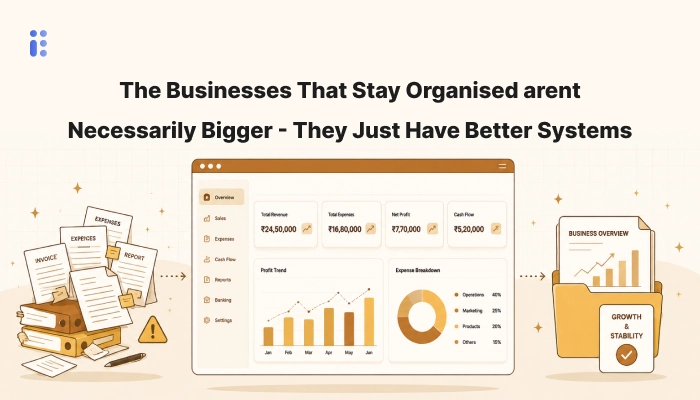
Discover how accounting software helps businesses improve cash flow, reduce errors, simplify GST compliance, and scale e...
Read More